Evolving the Pomodoro timer with BUSY Bar

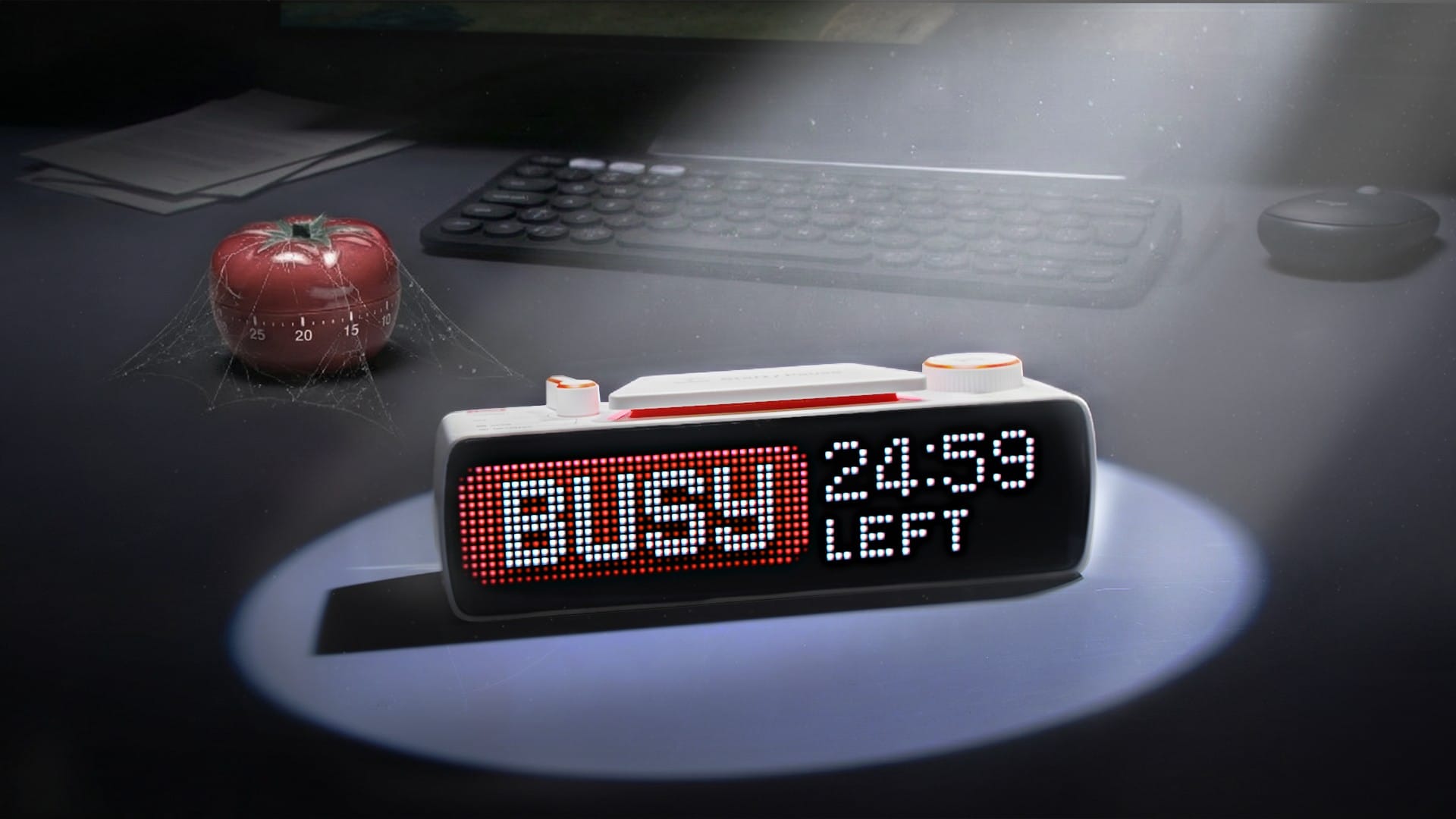
BUSY Bar is a device designed to help improve your focus, enhance your rest time, and eliminate digital distractions from your daily routine. A big way in which it does that is through enhancing the Pomodoro technique: a method for creating better focus and productivity by splitting tasks into 25-minute work sessions with 5-minute breaks.

Kitchen timers are simple but limited; phone apps add features but bring distractions. BUSY Bar offers the best of both worlds, combining the simplicity of a physical kitchen timer with the flexibility of a mobile app.
Read on to learn what makes BUSY Bar an evolution of the Pomodoro timer.
The simplicity of a kitchen timer
[Video] Setting BUSY Bar mimics the same actions as setting a traditional kitchen timer
BUSY Bar controls are inspired by the kitchen timer — one twist to adjust the timer and start a focus session. This simplicity is exactly what has made the kitchen timer the tool of choice for the Pomodoro technique since the 1980s. We wanted to bring this simplicity to BUSY Bar and help you start focusing as quickly as possible.
Just hit the large Start button to start your focus session, and adjust the time with the scroll wheel if needed. Press Start again to pause — something a kitchen timer could never do.
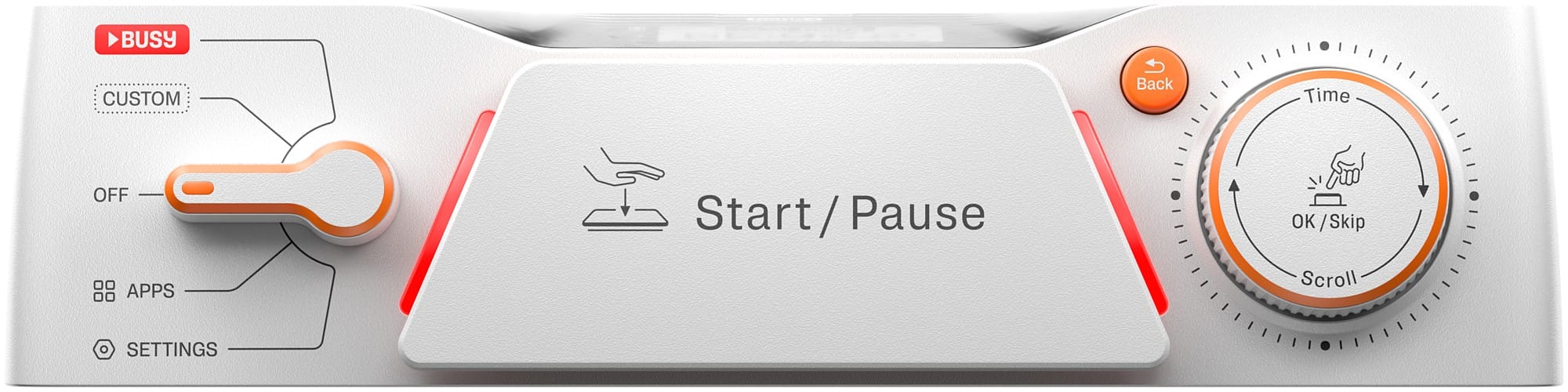
You can use the controls even without looking at the BUSY Bar itself. That’s impossible on a phone’s touchscreen, where you have to stop, pick it up and unlock it every time you want to adjust your focus session.
Designed to replace focus apps
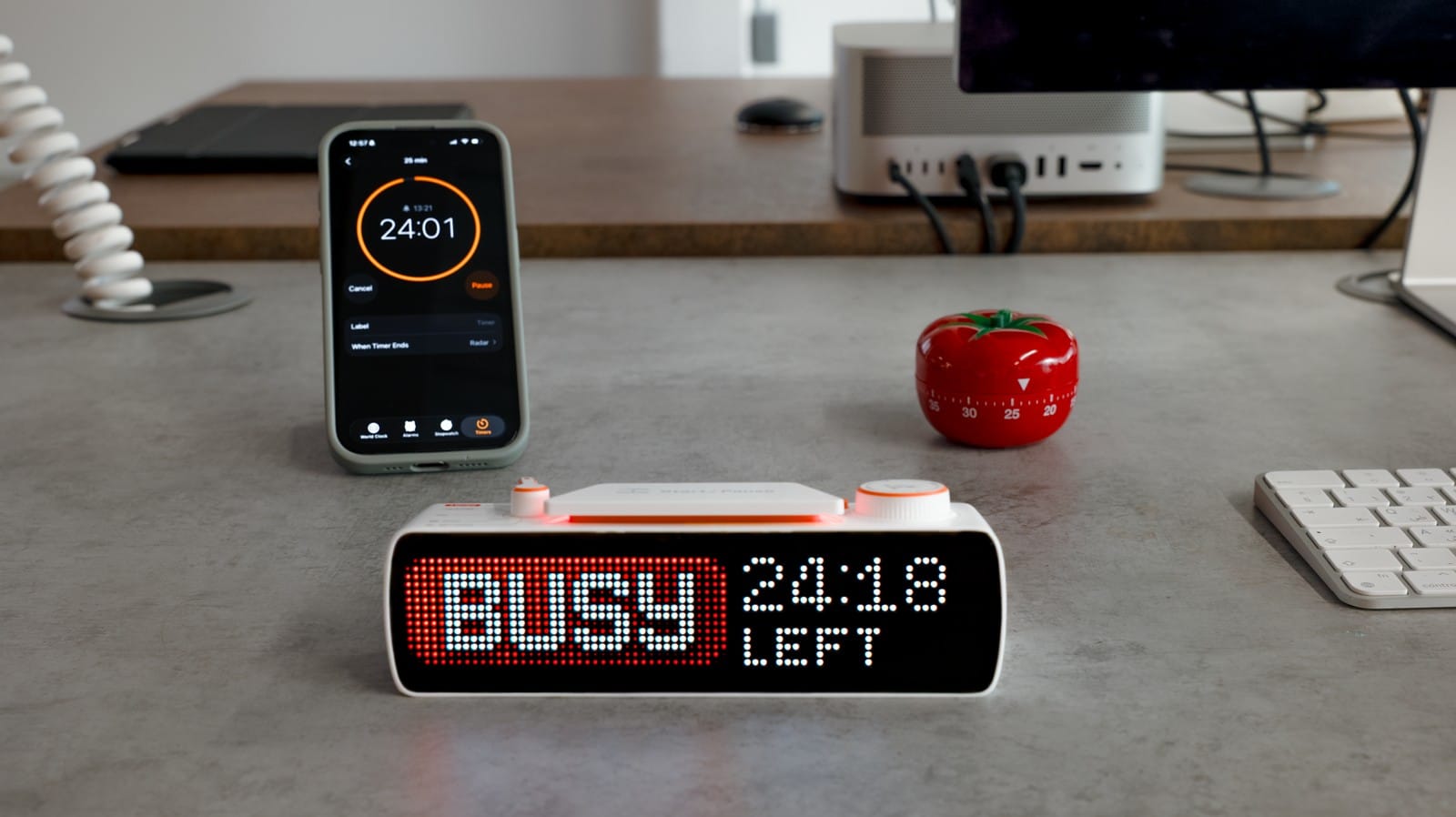
For the Pomodoro technique, a classic kitchen timer works, but lacks modern features. There’s no way to track your overall progress, it’s hard to see how long is left on the timer, and it makes a constant, annoying ticking sound.
Phone apps made the Pomodoro technique more flexible, with features like progress tracking and custom timers, but they come with a catch: every time you pick up your phone, there’s a risk of getting distracted by social media. One quick check of a notification turns into 30 minutes lost to TikTok or Reddit.
[Video] Setting a timer on your smartphone invites distractions — BUSY Bar prevents this
BUSY Bar solves this problem by combining the flexibility of an app with the simplicity of a physical device, removing the need to pick up your phone when you want to focus. You can create custom sessions, choose saved presets, and track your progress — all without distraction. Just press Start to dive into your focus session.
[Video] BUSY Bar keeps track of your progress and reminds you to take breaks — just like a focus app
Big and clear screen
BUSY Bar has a 6.35-inch LED pixel main display that allows you to see how much time remains in your focus session, even from a distance. While traditional kitchen timers and apps are great tools for personal productivity, they don’t communicate with anyone else.
Whether at the office or at home, co-workers and family are always nearby. A casual question while you’re working can instantly ruin your focus — but declining to answer can feel rude. What’s needed is a simple, polite, and effortless way to signal that you’re busy and will be available soon.
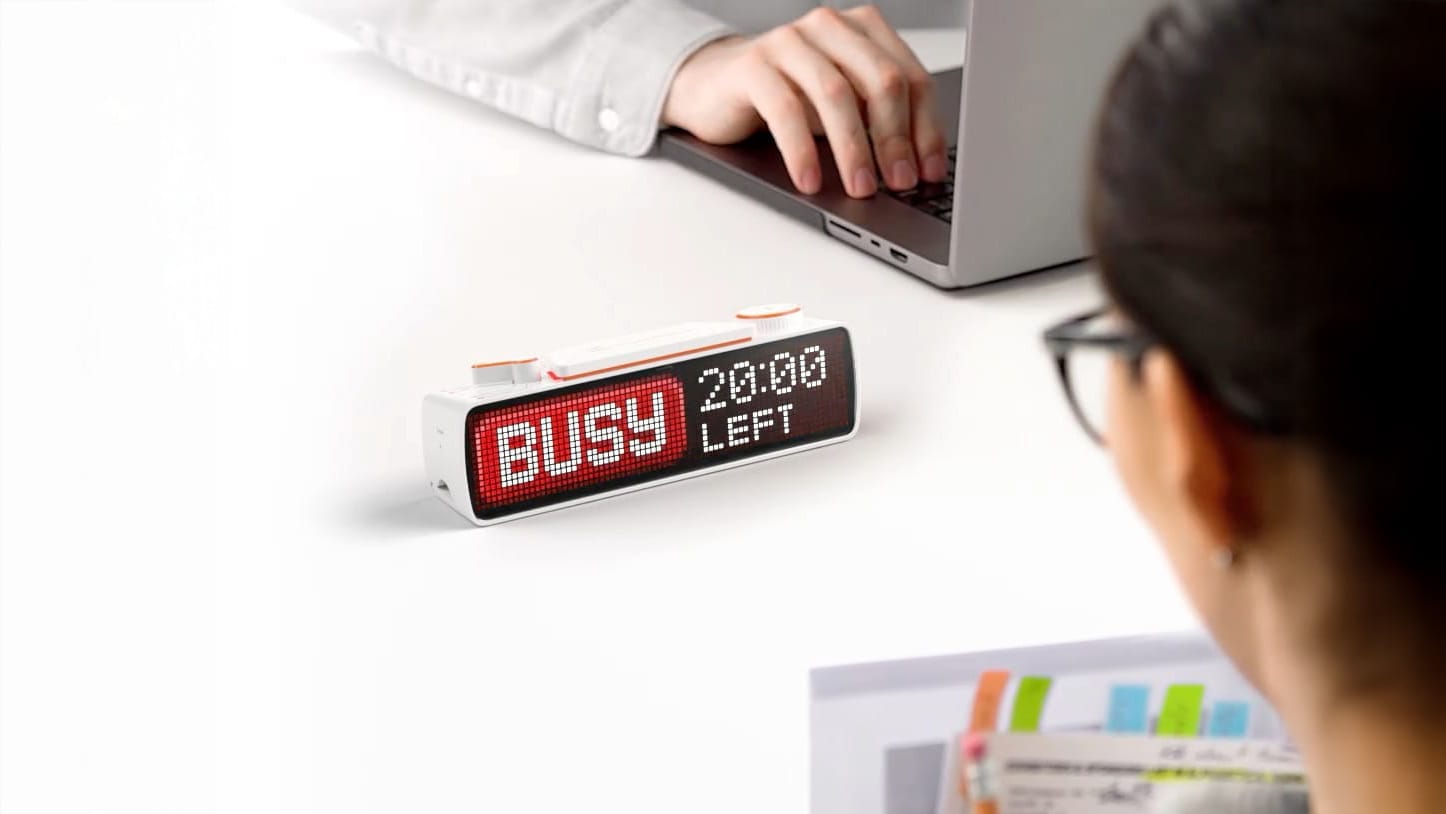
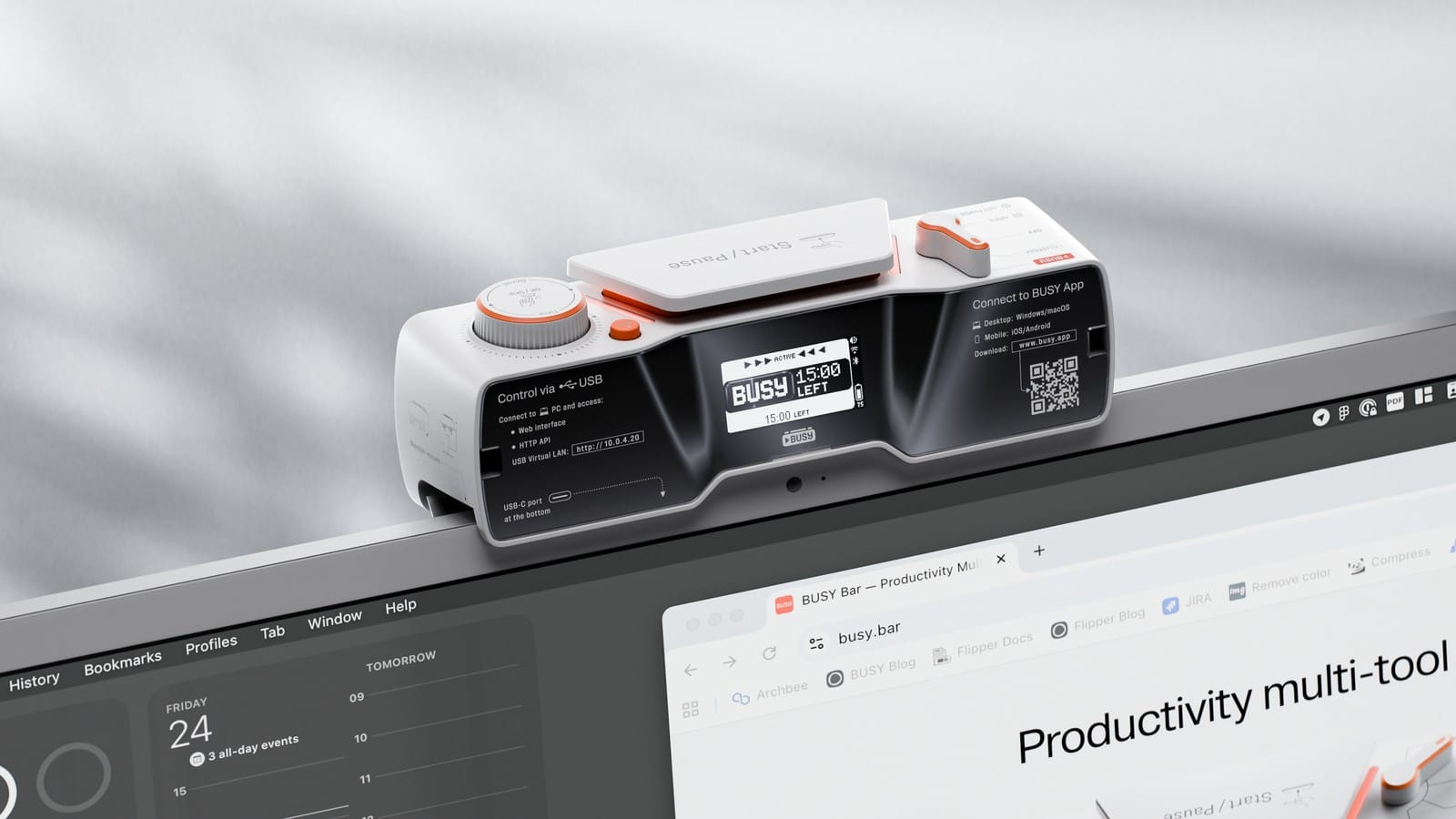
When you’re in a focus session, BUSY Bar clearly shows that you’re not to be disturbed and how long for. The device can be placed where everyone can see it — even on your monitor with its built-in mount.
[Video] BUSY Bar has a built-in monitor mount
At the same time, a smaller grayscale back screen mirrors the main display. It’s more subtle than the main screen, and lets you track your progress even when BUSY Bar is turned away from you.
Portable with a built-in battery
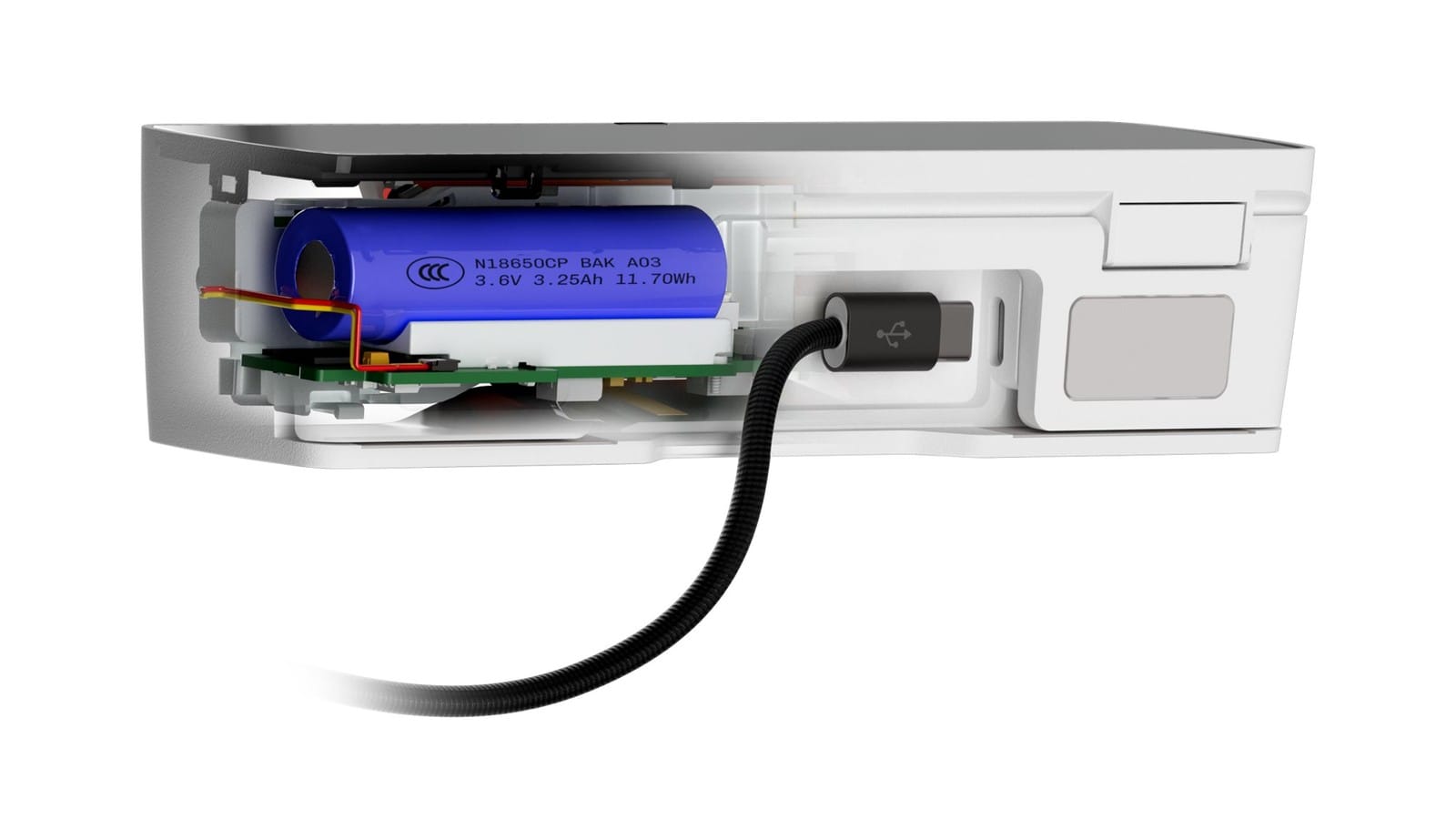
BUSY Bar has a built-in battery, which keeps the main screen running for up to eight hours on a single charge. That means BUSY Bar doesn’t have to stay on your desk or computer — it can go with you from meeting to meeting, sit in the middle of a boardroom table, or even attach to a wall or door with its separate mount.
Kickstarter is coming
There are so many BUSY Bar features that we haven’t covered in this blog: timer synchronization across devices, app and notification blocking, smart home integration, and more. Stay tuned for upcoming blog posts for more on these.
Hardware is finalized and we’re actively working on certification and new features. We are launching BUSY Bar on Kickstarter in early 2026 — pre-order for access to the Early Bird offer when the campaign launches.

Don’t forget to visit the project website at www.busy.bar and try out BUSY App — available now!